Google Drive · Checked 19 Oct 2026
Why an HTML file in Google Drive won't open as a page, and what to use instead
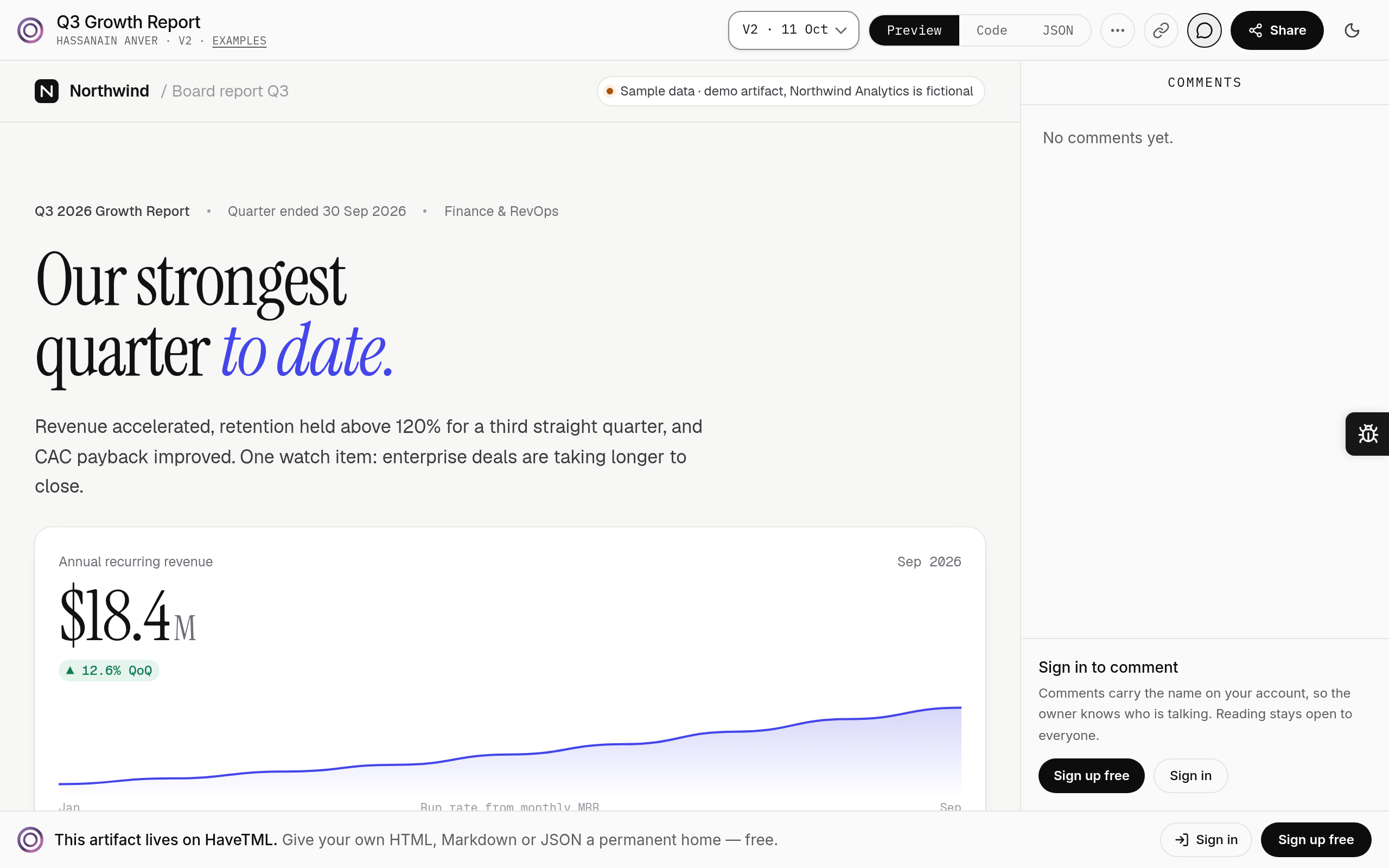
Google discontinued serving web pages from googledrive.com/host on 31 August 2016. An HTML file in Drive downloads, or previews as source. It does not run as a page. HaveTML renders that file in a sandbox at a link you can send.
HaveTML
The page, as a link
The 2016 change, in Google's words
Google's deprecation notice is dated August 2015 and took effect on 31 August 2016: web page serving from Drive (googledrive.com/host) was discontinued. Hosting a page is no longer something Drive does. An HTML file you upload today is stored like any other file. Depending on the sharing setting, a recipient can download it or open a preview. The preview is not the page running. Scripts do not run as they would in a browser tab you sent as a link. HaveTML's job starts where that ends: the file is rendered in a sandbox, at a private, unlisted or public link you choose. Unlisted and public links open without a HaveTML account.
Drive is still the right place for files
This page is not an argument to leave Drive. Drive stores every file type, and Docs, Sheets and Slides live next to those files. Google's sharing help describes who can open a file, and Drive still has version history on files you keep there. Comments on a Drive file are comments on the file, not on a rendered page. If the work is a spreadsheet, a contract, or a folder of mixed assets, Drive is the product. HaveTML publishes HTML, Markdown, YAML and JSON. It does not store Office files, PDFs or videos. Keep the Drive copy. Publish the HTML when someone has to open it as a page.
How to publish the HTML from Drive
Download the HTML from Drive. If styles or scripts live in other files in the same folder, inline them first — the Relume and Claude guide walks through that inlining step for HTML exports. Drag the file into HaveTML, or ask your agent to publish it over MCP from the connect page. It starts private. Make it unlisted when you want anyone with the link to open it. Re-publish and it becomes a new version behind the same link. Signed-in readers pin comments to the rendered page. That is the whole move: Drive keeps the file, HaveTML is the link that runs it.
The short version
- Yes. Choose HaveTML when the HTML file has to open as a page, with comments on the rendering and versions behind one link.
- Partial. Choose Drive when you need to store every file type, or when Docs, Sheets and Slides are the work.
Feature by feature
Checked 19 Oct 2026. Rival cells link to the page they were read from.
| Feature | HaveTML | Google Drive | Source |
|---|---|---|---|
| Serve HTML as a web page | Yes. Yes, rendered in a sandbox | No. Discontinued 31 Aug 2016 (googledrive.com/host) | Google Workspace Updates · Aug 2015 |
| Opens without an account | Yes. Yes, for unlisted and public links | Partial. Depends on sharing settings | Google Drive Help · Share files |
| Comments on the rendered page | Yes. Pinned comments on the rendered page; replies arrive without refreshing | n/a. n/a — Drive comments sit on the file, not a rendered page | Google Drive Help · Comment and mention |
| File types stored | Partial. HTML, Markdown, YAML, JSON | Yes. Any file you upload, plus Docs, Sheets and Slides | Google Drive Help · Preview and open files |
| Version history | Yes. Every version behind the same link | Yes. See and restore earlier versions of a file | Google Drive Help · View activity and file versions |
Where Google Drive is better
It stores every file type and has Docs, Sheets and Slides built in.
Publish the HTML file
Download the HTML from Drive and publish it to HaveTML. The Drive copy can stay where it is; the HaveTML link is the one that opens as a page. Inline extra stylesheets first if the export split them out.
Questions
- Can Google Drive still host an HTML page?
- No. Google stopped serving web pages from Drive on 31 August 2016.
- Will a Drive share link run my HTML?
- It will let someone download the file, or preview it. It will not render it as a page. HaveTML will.
- Do viewers need a Google account?
- On Drive, that depends on the sharing setting. On HaveTML, unlisted and public links open without an account.
- Should I move everything out of Drive?
- No. Keep Drive for the files it stores. Publish the HTML, Markdown, YAML or JSON that has to open as a page.
- Do both keep versions?
- Drive lets you see and restore earlier versions of a file. HaveTML keeps every version behind the same link when you re-publish.
Related
Google Drive is a trademark of Google. HaveTML isn't affiliated with Google. Facts were checked on 19 Oct 2026 from the sources linked above. If anything here is wrong, email hello@havetml.com and we'll correct it within 2 working days.